Predictive modeling
Predictive modeling uses statistics to predict outcomes.
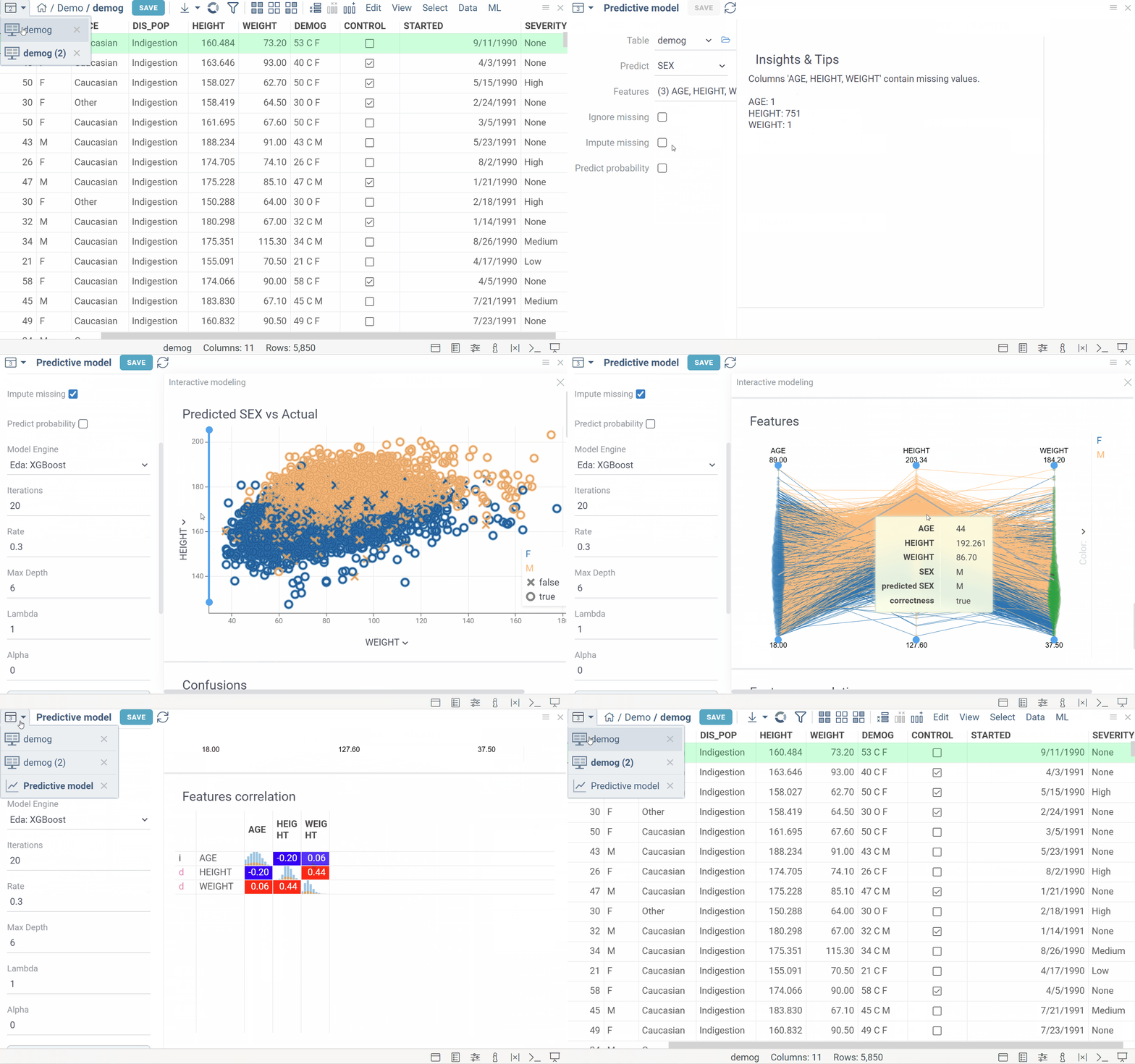
Algorithms
Predictive models can be used either directly to estimate a response (outcome) given a defined set of characteristics (features), or indirectly to drive the choice of decision rules.
Predictive modeling toolkit uses a wide range of models: based on popular frameworks (Caret, Chemprop), self-written in-browser toolkit (EDA). There is also a support for custom models.
Model engines
Caret
Caret models use R Caret package. It provides a set of methods that could be used for classification problems.
| Method | Model |
|---|---|
| rf | Random Forest |
| gbm | Stochastic Gradient Boosting Machine |
| svmLinear | Support Vector Machines with Linear Kernel |
| svmRadial | Support Vector Machines with Radial Basis Function Kernel |
Chemprop
Chemprop model engine is used for applying models to chemical compounds to predict molecule properties.
Under the hood, Chemprop uses message passing neural networks. The model engine has an extensive set of parameters: dimensions of network layers, activation functions, learning rate etc.
EDA
EDA is a Datagrok package providing toolkit for exploratory data analysis. Among other tools, it contains the most popular classical ML models that are trained in-browser:
- SVM
- XGBoost
- Linear Regression
- Softmax Classifier
- PLS Regression
Train model
Example for R Caret engine:
- Open table
- Run Top Menu > ML > Models > Train model
- Select table that contains features
- Select feature columns
- Select outcome column
- Set checkbox to impute missing values, if required
- Set number of nearest neighbors to predict missing values, if required
- Select modeling method. Configure suggested hyperparameters
- Click TRAIN button
- Fill the information about the model
- Run model training
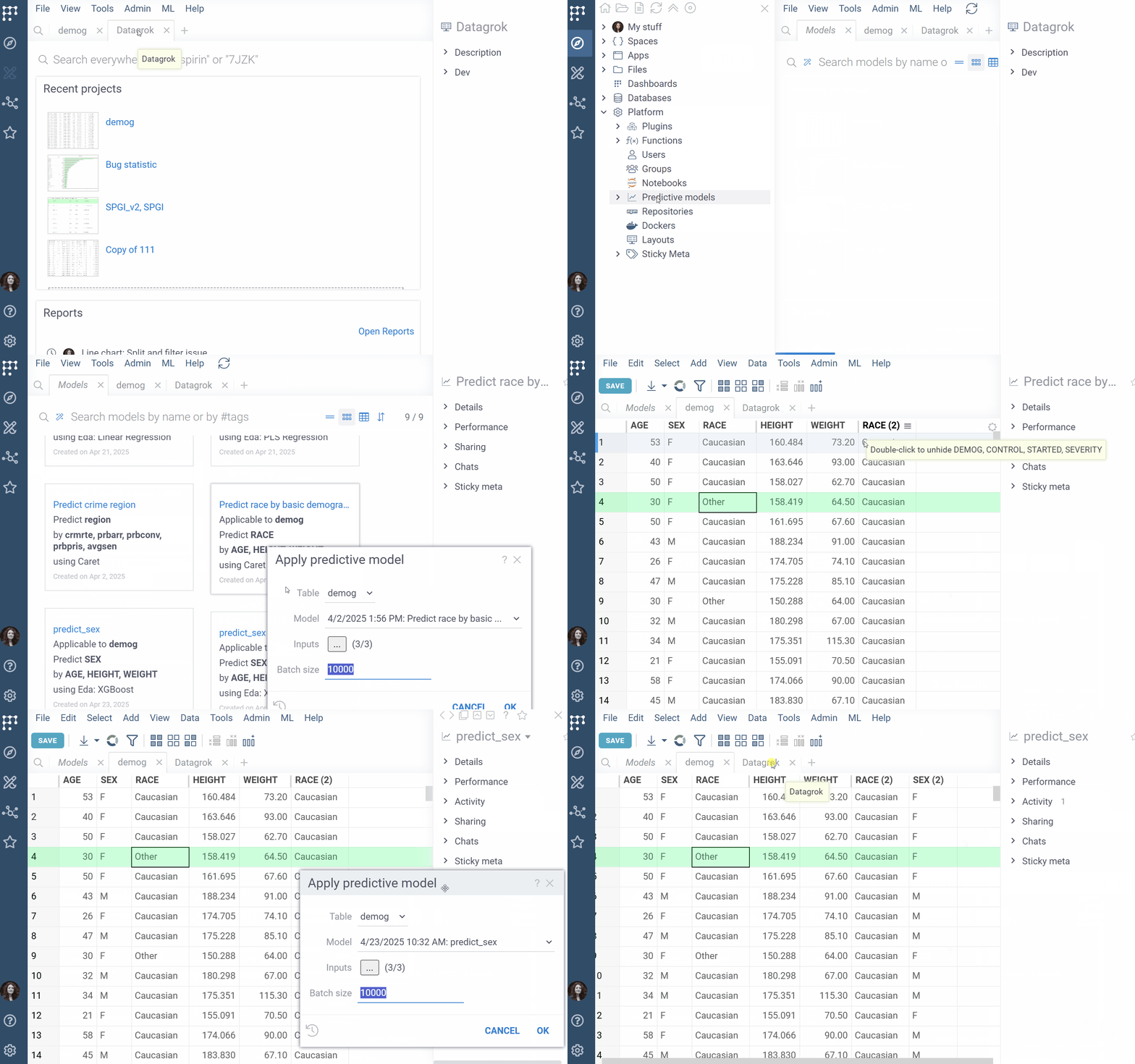
Apply model
- Open table
- Run Top Menu > ML > Models > Apply
- Select table that contains features
- Select applicable model
- Set checkbox to impute missing values, if required
- Set number of nearest neighbors to predict missing values, if required
- Apply model
- Result of modelling will be concatenated to source table as a new column.
Also apply model available through Models Browser (Browse > Platform > Predictive Models) or as suggested models on the Context Panel.
Deployment
Building a model is only valuable when you share the results. Even if the model's purpose is to deepen understanding of the data, findings must be organized and presented so that stakeholders can act on them — as a data table, a report, an interactive visualization, or another format.
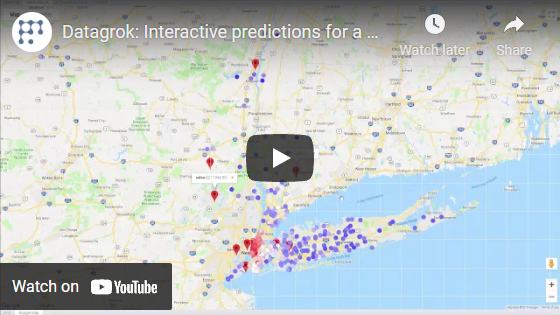
Datagrok platform was specifically designed with that in mind. In addition to traditional model deployment techniques such as table and reports, Datagrok offers a unique way of distributing predictive model results via the data augmentation and info panels.
Videos
See also: