Calendar
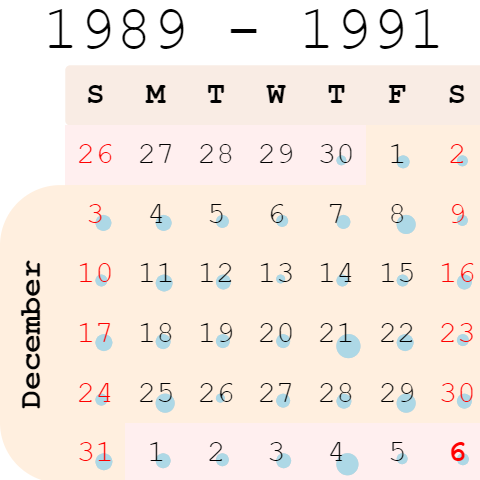
Calendar lets you analyze longitudinal data. It needs at least one column of type DateTime.
developers
To add the viewer from the console, use:
grok.shell.tv.addViewer('Calendar');
General:
| Right click | Context menu |
| Alt+F | Show in full screen |
| Click on date | Filter by date |
| Click on year | Filter by year |
| Click on day of week | Filter by day of week |
| Click on month | Filter by month |
| Click on week | Filter by week |
Videos
Properties
| Property | Type | Description |
|---|---|---|
| General | ||
| Date Column Name | string | |
| Show Header | boolean | |
| Red Weekends | boolean | |
| Show Filtered Only | boolean | |
| Back Color | number | |
| Odd Month Color | number | |
| Even Month Color | number | |
| Row Source | string | Determines the rows shown on the plot. |
| Allow Dynamic Menus | boolean | |
| Show Context Menu | boolean | Properties common for all viewers todo: use code generation |
| Title | string | |
| Description | string | Viewer description that gets shown at the Descriptor Position. Markup is supported. |
| Help | string | Help to be shown when user clicks on the '?' icon on top. Could either be in markdown, or a URL (starting with '/' or 'http'). |
| Description Position | flexposition | |
| Description Visibility Mode | visibilitymode | |
| Data | ||
| On Click | string | Determines what happens when you click a date. |
| Filter | string | Formula that filters out rows to show. Examples: ${AGE} > 20 or ${WEIGHT / 2)} > 100, ${SEVERITY} == 'Medium', ${RACE}.endsWith('sian') |
| Table | string | |
| Description | ||
| Show Title | boolean |
See also: