Confusion matrix
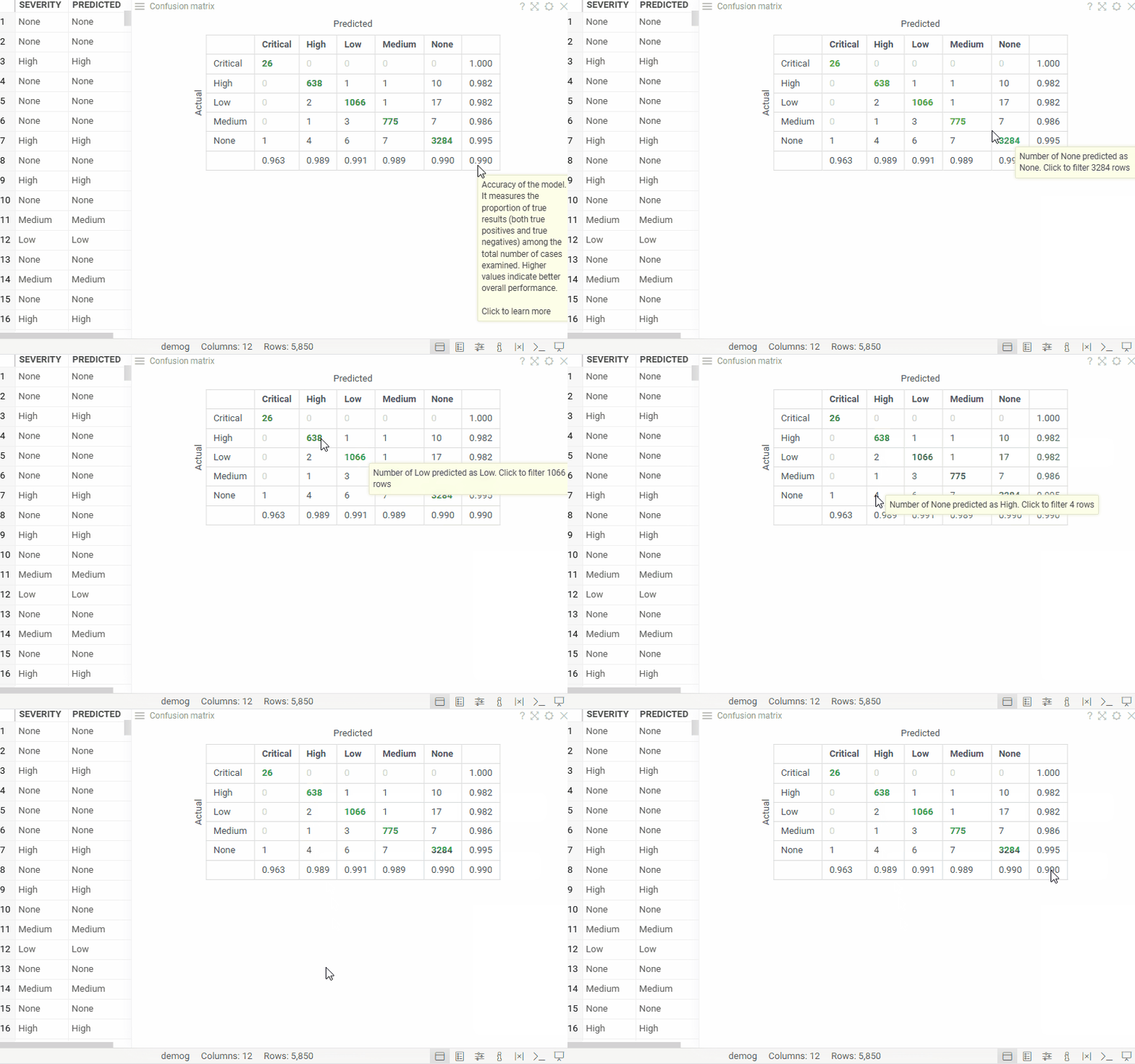
Confusion matrix evaluates a model by comparing its predictions with actual results in a tabular format. It displays a table where each cell counts rows for a specific combination of predicted and actual values, while also showing prediction errors and overall model accuracy.
To add a confusion matrix, click the Add Viewer icon on the menu ribbon and select Confusion Matrix.
developers
To add the viewer programmatically from the console, use:
grok.shell.tv.addViewer('Confusion Matrix');
Properties
| Property | Type | Description |
|---|---|---|
| General | ||
| X Column Name | string | Column to be put on the X axis |
| Y Column Name | string | Column to be put on the Y axis |
| Row Source | string | Determines the rows shown on the plot. |
| Allow Dynamic Menus | boolean | |
| Show Context Menu | boolean | Properties common for all viewers todo: use code generation |
| Title | string | |
| Description | string | Viewer description that gets shown at the Descriptor Position. Markup is supported. |
| Help | string | Help to be shown when user clicks on the '?' icon on top. Could either be in markdown, or a URL (starting with '/' or 'http'). |
| Description Position | flexposition | |
| Description Visibility Mode | visibilitymode | |
| Data | ||
| Filter | string | Formula that filters out rows to show. Examples: ${AGE} > 20 or ${WEIGHT / 2)} > 100, ${SEVERITY} == 'Medium', ${RACE}.endsWith('sian') |
| Table | string | |
| Style | ||
| Controls Font | string | Viewer controls elements font. |
| Description | ||
| Show Title | boolean |